
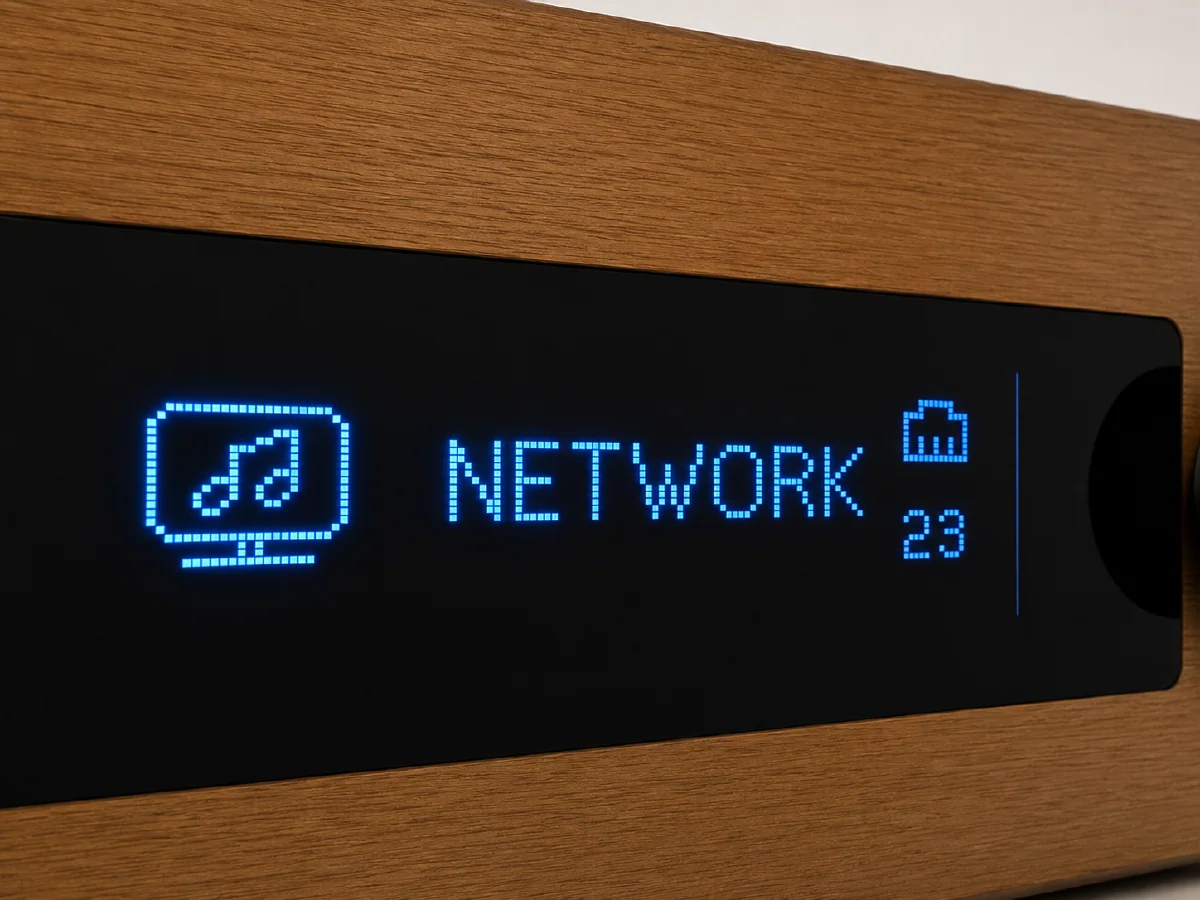
I have an Arylic H50 audio amplifier connected to my network via Ethernet. Every time I turned it on, it would play an annoying setup announcement over the speakers. The beginning was apparently cut off, but it definitely ended with “… the new device’s companion app.”
Updating the firmware to 4.6.522143, restoring the device to its factory settings, changing its name, and adding a preset did not make the announcement go away.
I eventually found reports from other H50 owners with the same problem. It seems to affect devices connected via Ethernet: during startup, the H50 checks its Wi-Fi configuration before noticing the wired connection and plays the setup prompt. The suggested workaround was to disconnect Ethernet and provision Wi-Fi once using 4STREAM. Since I wanted the H50 to remain Ethernet-only, I kept looking.
Trying the Regular PMT Setting#
The H50 does not expose the HTTP API available on many other Arylic devices, but it does accept Arylic’s binary-framed TCP commands on port 8899.
The documented UART command for controlling the prompt voice is PMT. Sent through the TCP passthrough interface, the command to disable it is:
MCU+PAS+RAKOIT:PMT:0&The H50 accepted the command, and querying PMT afterwards returned 0. However, after a cold reboot it was back at 1, and the announcement played again. So on my H50, the regular PMT setting was apparently only temporary.
Changing the Default#
The same API also provides a DEF namespace for changing factory defaults. These are the two commands that finally did the trick:
MCU+PAS+RAKOIT:DEF:PMT:0&
MCU+PAS+RAKOIT:DEF:SAV&
The first command changes the default prompt setting, while the second one saves it. It can be verified with:
MCU+PAS+RAKOIT:DEF:PMT&which should return:
MCU+PAS+RAKOIT:DEF:PMT:0&There is one important and slightly unintuitive final step: perform another factory reset after saving the new default. A normal restart isn’t enough. The reset copies the changed default into the active configuration.
Of course, a factory reset will also erase the H50’s other settings. In 4STREAM, the option can be found in the Device tab in the H50’s settings menu under Device Info → Restore Factory Settings.
After the reset, the announcement was gone. It also stayed disabled after another cold reboot, without ever provisioning Wi-Fi.
Minimal Python Script#
The following script takes the H50’s IP address, sets and saves the new default, and verifies it. It does not perform the required factory reset.
#!/usr/bin/env python3

import socket
import struct
import sys

HEADER = bytes.fromhex("18 96 18 20")
PORT = 8899


def send(host: str, command: str) -> str:
    payload = command.encode()
    packet = (
        HEADER
        + struct.pack("<I", len(payload))
        + struct.pack("<I", sum(payload))
        + b"\0" * 8
        + payload
    )

    with socket.create_connection((host, PORT), timeout=5) as connection:
        connection.sendall(packet)
        response = connection.recv(4096)

    return response[20:].decode(errors="replace")


def main() -> None:
    if len(sys.argv) != 2:
        raise SystemExit(f"Usage: {sys.argv[0]} <H50-IP>")

    host = sys.argv[1]
    print(send(host, "MCU+PAS+RAKOIT:DEF:PMT:0&"))
    print(send(host, "MCU+PAS+RAKOIT:DEF:SAV&"))

    result = send(host, "MCU+PAS+RAKOIT:DEF:PMT&")
    print(result)
    if "DEF:PMT:0&" not in result:
        raise SystemExit("The saved value could not be verified.")

    print("Done. Perform a factory reset once to activate the setting.")


if __name__ == "__main__":
    main()
Save it as disable_h50_prompt.py and run:
$ python3 disable_h50_prompt.py 192.168.1.123Then restore the H50 to its factory settings once. Its IP address may change after the reset if it is assigned via DHCP.